Problem
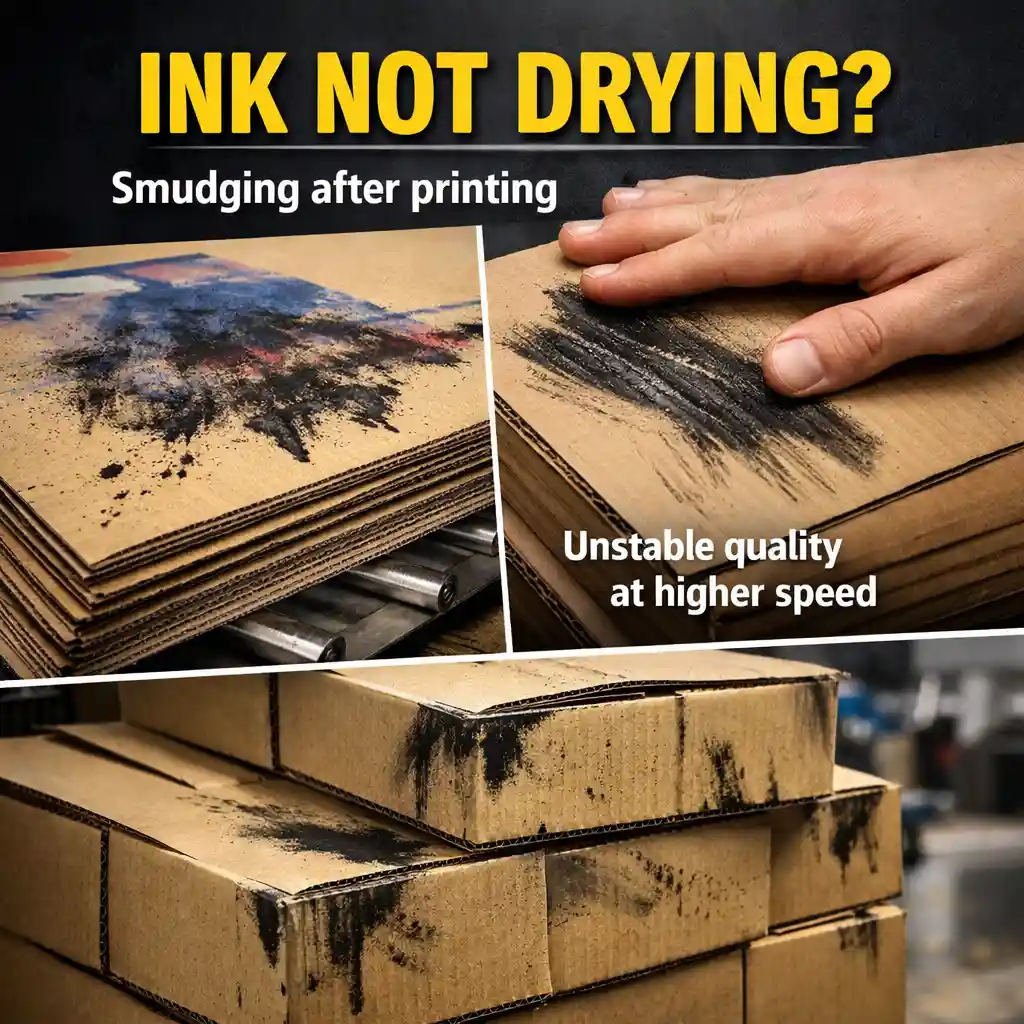
A customer contacted us about a drying issue in flexo printing.
Their problem was clear:
- Ink was not drying properly
- Smudging appeared after printing
- The issue became worse at higher speeds
They had already tried multiple adjustments, but nothing worked.
What They Thought
The team believed the issue was caused by:
- High humidity
- Temperature instability
- Ink formulation
They adjusted:
- Drying temperature
- Ink viscosity
- Ink batches
But the problem remained.
What We Noticed First
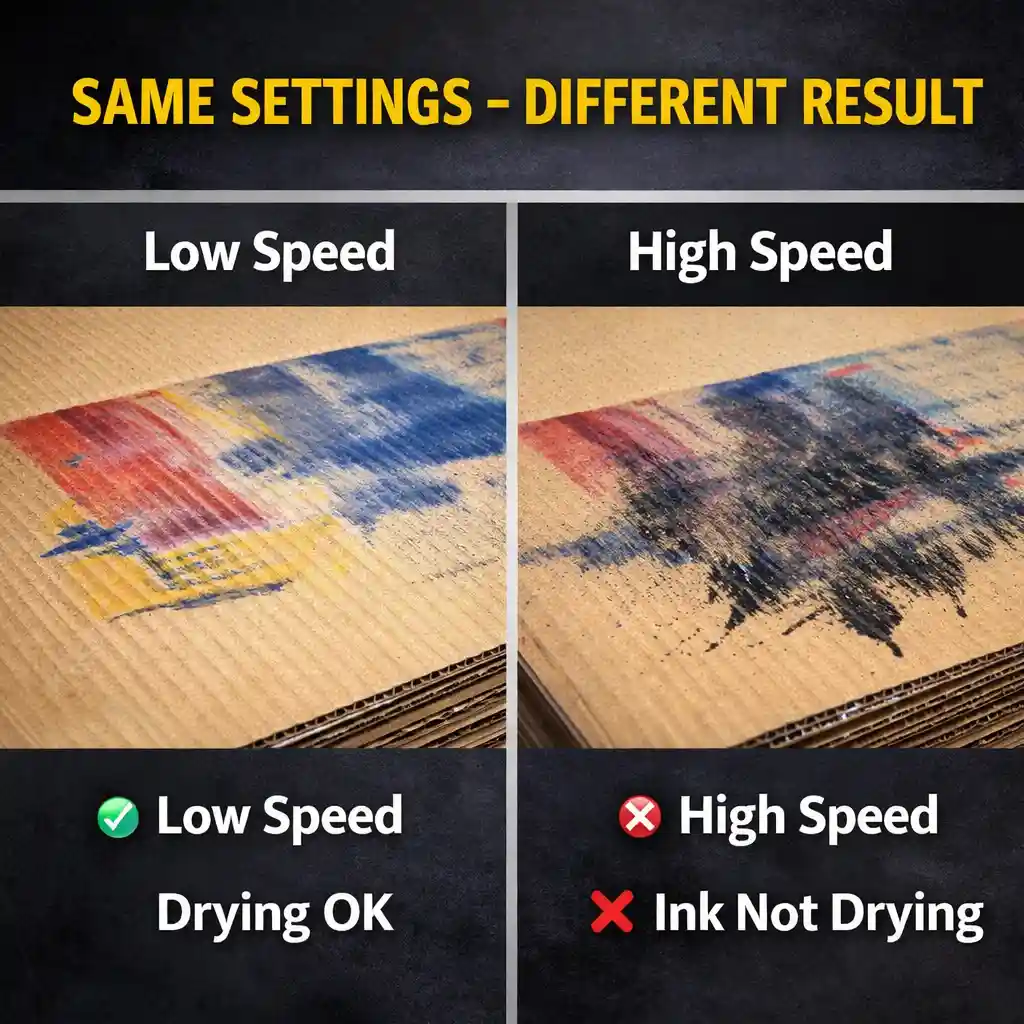
Instead of focusing on ink or environment, we asked a simple question:
👉 “Does the problem change with speed?”
The answer was yes.
At lower speeds, the issue almost disappeared.
At higher speeds, it became obvious.
👉 That immediately told us:
This was not an ink problem.
What Was Actually Happening
After checking the process, the real issue was:
👉 Drying capacity was not sufficient for the current speed
When speed increased:
- Drying time was reduced
- Airflow was not enough
- Board absorption varied
This caused ink to remain wet during production.
What Solved the Problem
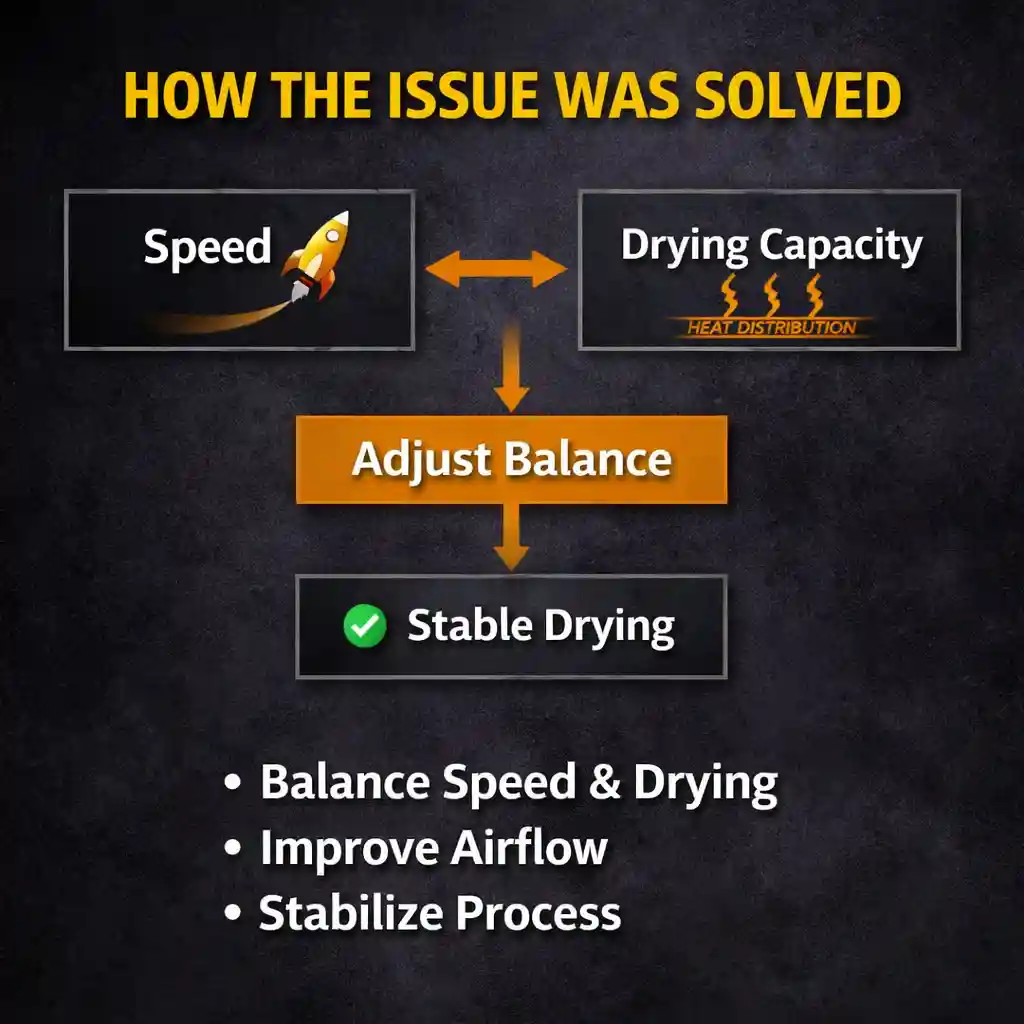
Instead of changing ink again, the team adjusted:
- Production speed vs drying balance
- Airflow distribution
- Process stability
After that:
✔ Drying improved
✔ Smudging disappeared
✔ Production stabilized
Why This Matters
This type of issue is very common.
Many teams focus on:
- Ink
- Temperature
- Humidity
But in reality:
The problem is often not what it looks like.
Related Insight
We explained the full system logic behind this here:
👉 Why Ink Is Not Drying in Flexo Printing — And What Most People Miss
Still Facing Similar Issues?
If ink is not drying in your flexo printing process, you can share:
- Machine speed
- Board type
- Drying setup
- Problem details
We can help you quickly identify the real cause.