Flexo printing ghosting is often blamed on ink or plate issues.
However, in many real production cases, the root cause is not where operators expect.

When ghosting appears suddenly during production, adjusting ink or replacing plates may seem like the fastest solution—but these actions often fail to solve the problem.
Understanding flexo printing ghosting requires looking at the entire printing system, not just a single component.
Why Ghosting Happens in Flexo Printing
Flexo printing ghosting is rarely caused by a single factor.
Instead, it is typically the result of multiple variables interacting within the system.
To identify the real cause, we need to examine four key areas:
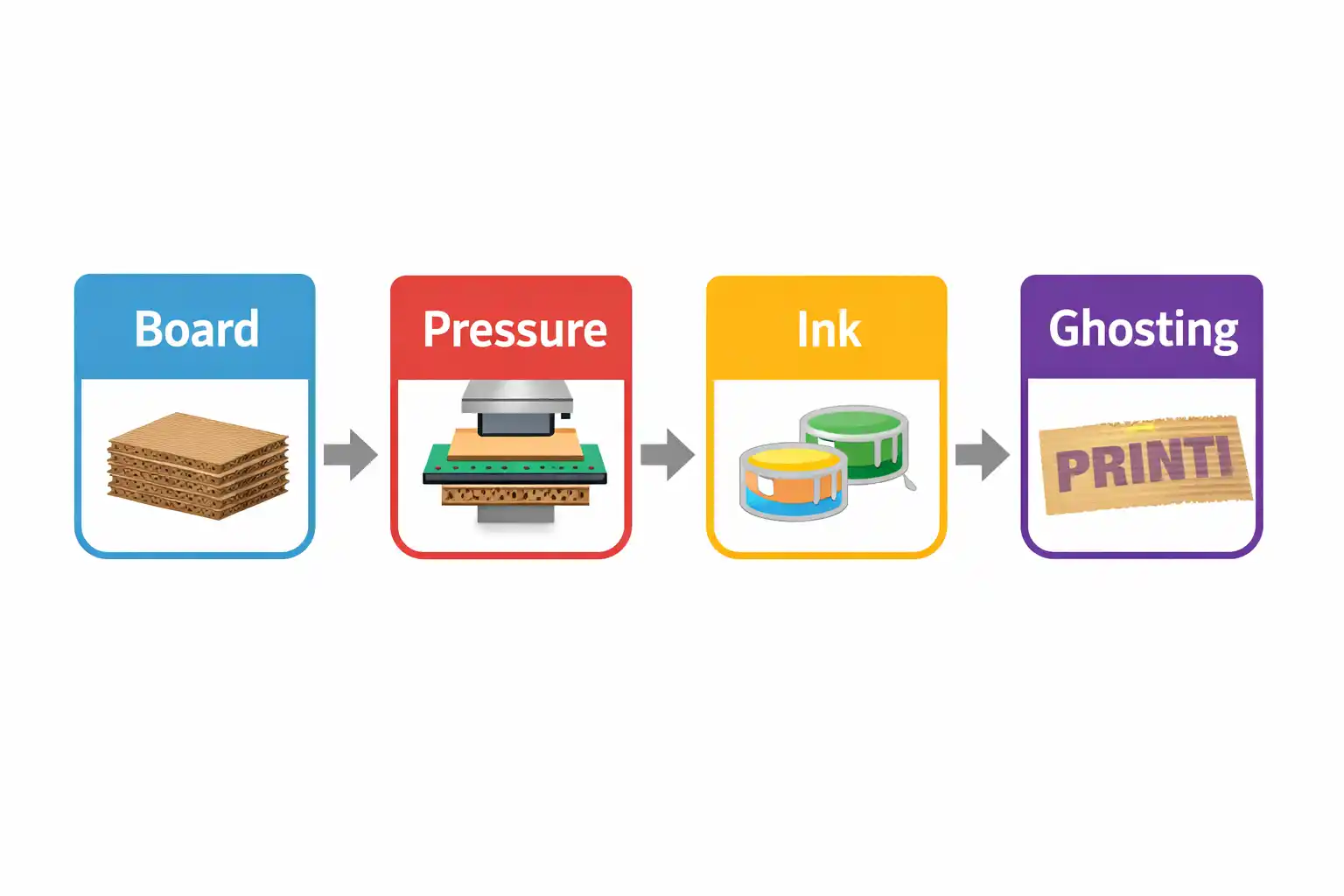
1. Board Condition (Substrate Stability)
The corrugated board plays a critical role in ink reception.
If the board surface is inconsistent:
- Ink absorption becomes uneven
- Local variations appear during transfer
- Repeated patterns can form ghosting effects
Even slight fluctuations in moisture or surface strength can amplify this issue.
2. Printing Pressure (Contact Stability)
Printing pressure directly affects ink transfer.
If pressure is unstable:
- Contact between plate and board becomes inconsistent
- Ink transfer varies across cycles
- Repeating “shadow” patterns may appear
Ghosting is often a result of dynamic pressure variation, not just incorrect pressure settings.
3. Drying Performance (Curing Timing)
Drying is one of the most overlooked factors.
If ink is not properly dried:
- Residual ink may transfer again in the next cycle
- Secondary transfer creates repeated patterns
- Ghosting becomes visible at higher speeds
In many cases, the issue is not ink quality—but drying capacity vs. machine speed mismatch.
4. System Stability (Machine Rhythm)
Ghosting frequently occurs when the system loses synchronization.
Key factors include:
- Speed changes
- Machine vibration
- Tension instability
- Multi-unit coordination
When these variables are not aligned, small inconsistencies accumulate and appear as ghosting.
System Interaction: The Real Cause
Ghosting is not caused by one isolated issue.
It often follows a chain reaction:
Board instability
→ Pressure fluctuation
→ Ink transfer inconsistency
→ Ghosting effect
This is why focusing on a single component (such as ink) often fails to resolve the issue.
What You Should Check First (Diagnostic Steps)
If flexo printing ghosting appears during production, follow this sequence:
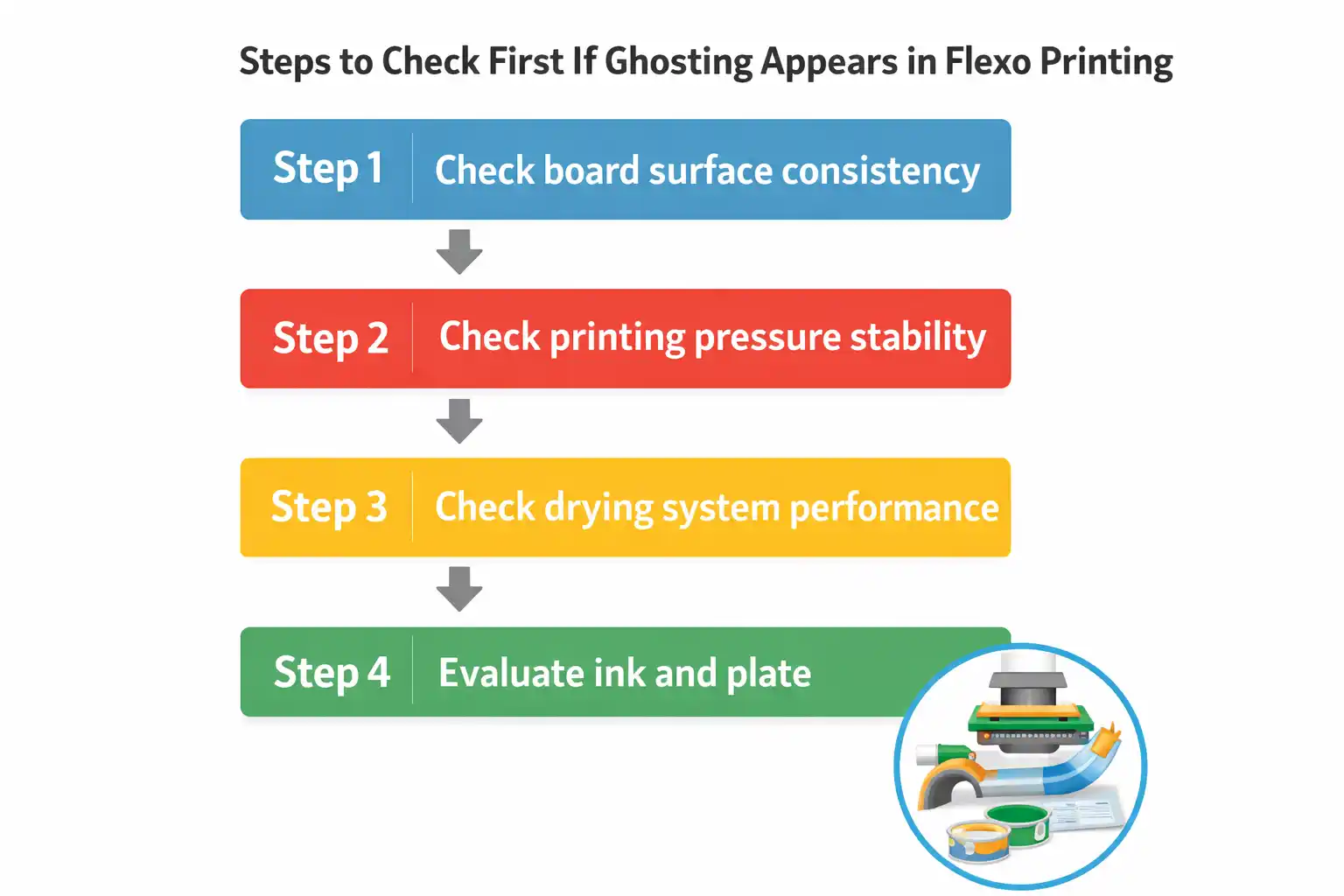
Step 1: Check board surface consistency
Step 2: Check printing pressure stability
Step 3: Check drying system performance
Step 4: Then evaluate ink and plate
This order is critical.
Starting from ink often leads to misdiagnosis.
Common Misjudgment
A common reaction is:
- Adjust ink viscosity
- Replace printing plates
However, in many real cases, these actions do not solve the issue.
Why?
Because the root cause lies in system interaction, not in individual components.
Conclusion
Flexo printing ghosting is rarely caused by a single factor.
It is typically the result of interconnected system variables, including board condition, pressure stability, drying performance, and overall machine rhythm.
Understanding this system relationship is the key to solving the problem efficiently.
You May Also Want to Read
- Why Printing Problems Are Often Misdiagnosed as Ink Issues
- Sudden Color Variation During Printing: Ink Problem or Printing System Issue?
Still Not Sure What’s Causing Your Printing Issue?
Send us:
- Board type
- Machine speed
- Problem description
We can help you quickly identify the real cause.